MTBuilder Blocks Showcase
This page is auto-generated by PolyCMS Generate Data and demonstrates practical MTBuilder blocks that your team can reuse and extend.
Featured Layout: Content Discovery Hub
A refined article landing page with a centered search hero, keyword-driven results, and category sections that surface the latest five posts in each group.
- Centered hero: headline and search input aligned for quick discovery.
- Search mode: keyword lookup shows matching posts immediately.
- Category feeds: each category section highlights the latest five posts.
- Adaptive fallback: no-results and empty-category states keep the page polished.
Block Catalog and Use Cases
- Heading: SEO-friendly page and section titles.
- Text / HTML: rich descriptions, bullet lists, and formatted content.
- Image: visual highlights with responsive scaling.
- Button: strong calls-to-action for leads and campaigns.
- Icon: quick visual markers for features and benefits.
- Divider: clear content separation between sections.
- Style Group: grouped styling for text and links.
- Tabs Container: compact multi-topic content area.
- Video (YouTube): embeddable product walkthroughs and demos.
- Blog Search Bar: standalone article search with redirect or inline results for landing pages and support pages.
- Content Discovery Hub: complete search-led article directory for help desk, wiki, docs, knowledge base, and editorial hub layouts.
Rendered Block Examples
Each example below uses an actual MTBuilder block output. Blog-related examples read from the current PolyCMS posts, categories, pages, and media so Generate Data creates a realistic working showcase rather than static placeholder copy.
Layout Grid: Section, Row, and Columns
Use structural blocks to create responsive landing page sections. This example uses a nested row with two columns, just like a real service or docs landing page.
Describe your feature, category, or documentation path.
Pair supporting copy, media, buttons, or live post blocks.
Heading Block
Use heading blocks for semantic H1-H4 page sections with adjustable alignment, size, color, and decoration.
A clear article hub headline
Text and HTML Blocks
Text blocks are best for safe rich copy, while HTML blocks can render formatted content, tables, highlights, or custom snippets.
This is a reusable text block for onboarding copy, support notes, release notes, or product documentation.
Image Block
Use real PolyCMS documentation/media assets for screenshots, feature visuals, and landing page illustrations.

Button and Icon Blocks
Buttons create calls-to-action and icons create quick visual landmarks for feature sections or support categories.
Divider Block
Dividers separate long editorial or documentation pages into readable sections.
Accordion and Accordion Item Blocks
Accordion blocks are useful for FAQs, docs navigation, and compact help desk explanations.
PolyCMS FAQ
Blog Posts Block
This block renders real published PolyCMS posts. It supports grid, list, trending, and title-only layouts.
Blog Search Bar Block
The standalone search bar can redirect to a search page or display inline results on the current page. Try searching for terms from the generated posts such as MTBuilder, API, or docs.
Content Discovery Hub Block
This is the complete search-led directory block: hero search, inline results, category sections, and latest posts from active categories. A dedicated generated page is available at /content-discovery-hub.
Live directory example
Browse PolyCMS knowledge by topic
Search the generated demo posts or explore the latest entries by category.
Category
Features Guide
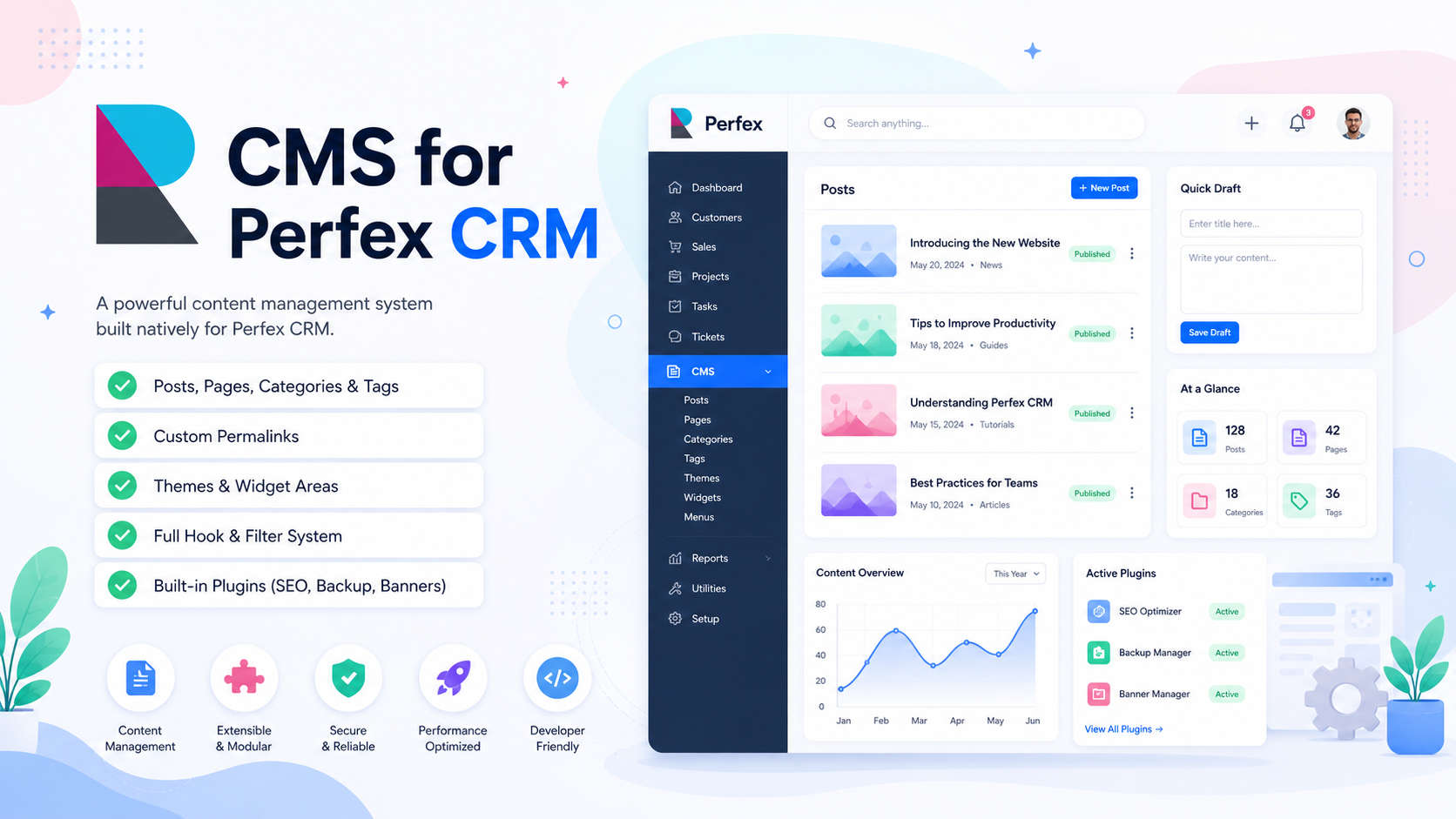
Mastering General Settings: Branding & Access Control
Configure your CMS exactly how you want it. Learn how to toggle branding display modes and re...
Content Discovery Hub: Search-Led Help Desk and Docs Landing Pages
Learn how the Content Discovery Hub layout combines a Google-style search hero, inline articl...
MTBuilder: Visual Drag-and-Drop Page & Landing Page Builder
Master the drag-and-drop MTBuilder to visually design responsive landing pages, marketing fun...
Category
Getting Started
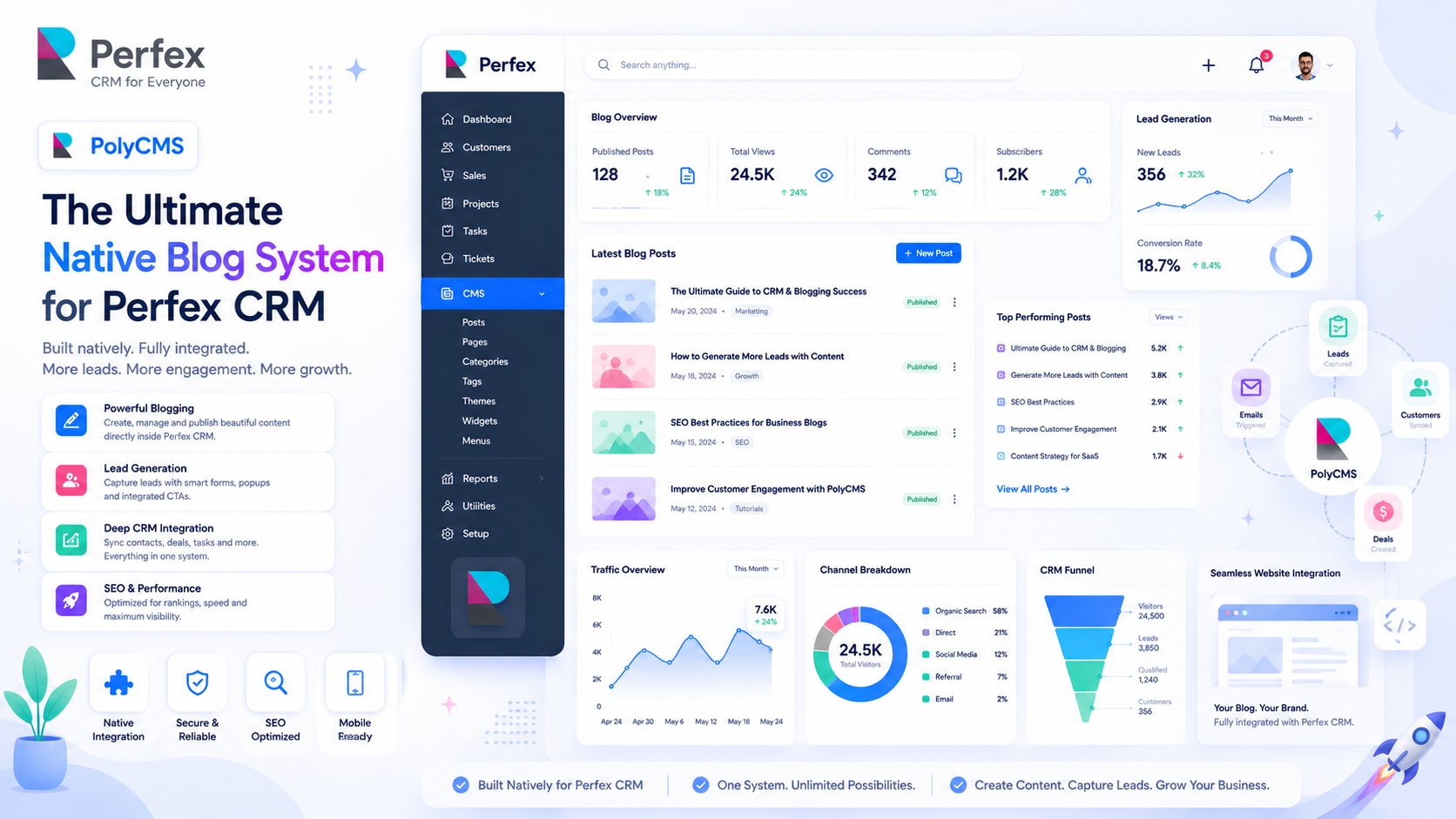
Welcome to PolyCMS: Ultimate Native Blog for Perfex CRM
Discover why a native blog inside Perfex CRM converts better than external WordPress subdomains.
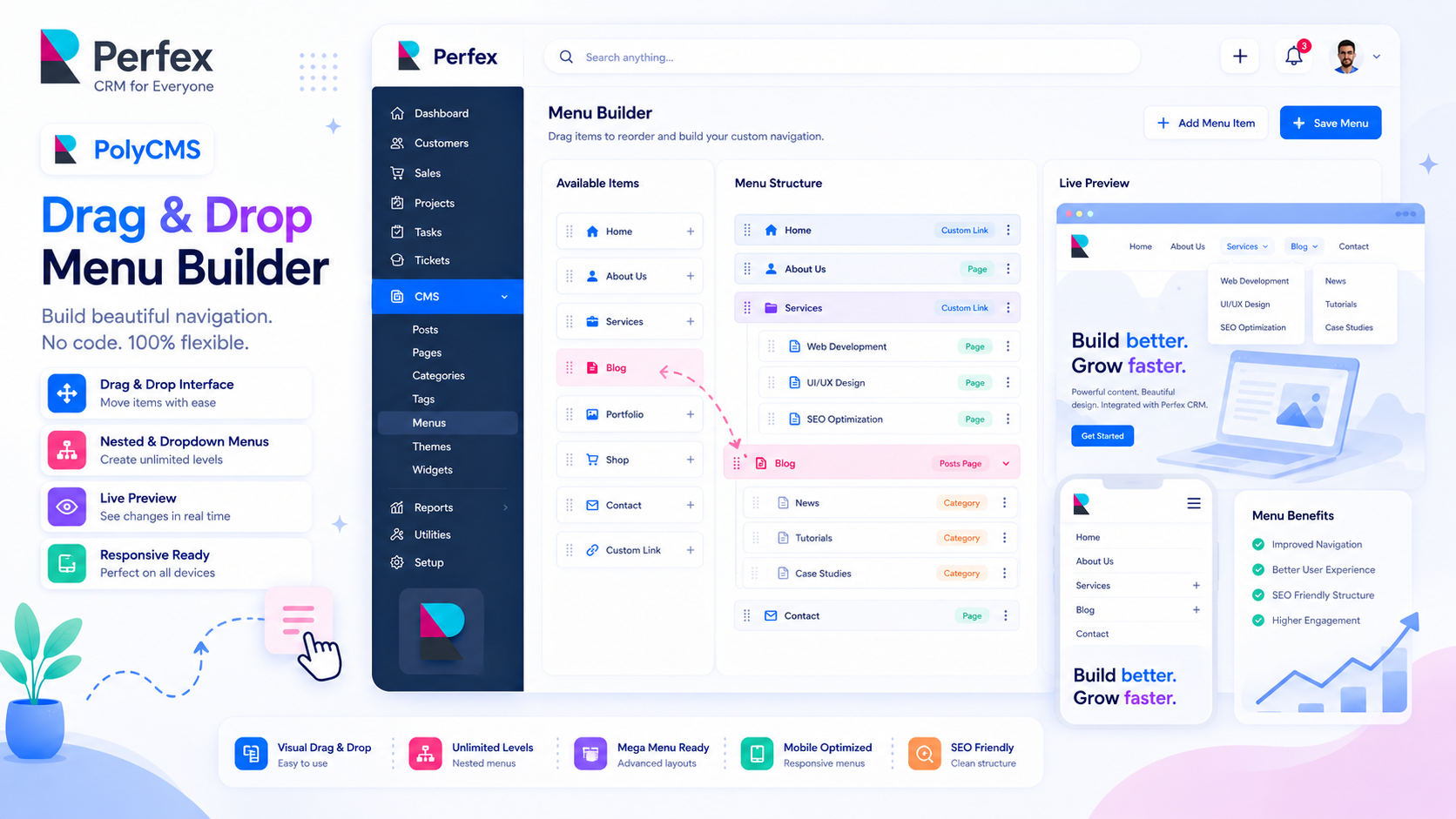
How to Set Up and Arrange Menus in PolyCMS
Master the drag-and-drop menu builder to create nested dropdowns and navigation links.
Category
Plugins & Hooks
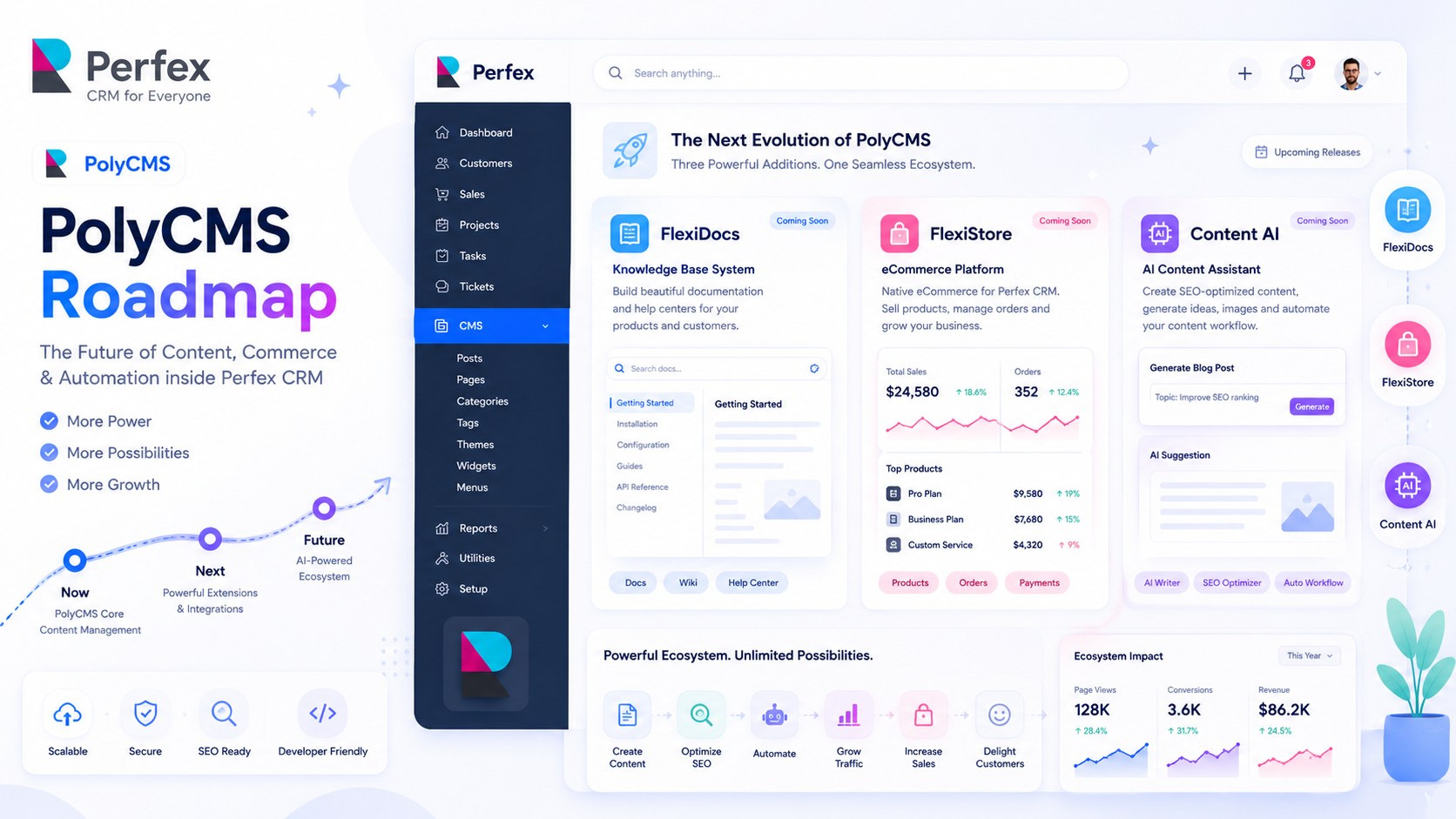
Exciting Roadmap: FlexiDocs, FlexiStore & Content AI
Discover our exciting roadmap for PolyCMS, including the upcoming FlexiDocs for knowledge bas...
Building Custom Blocks and Templates for MTBuilder
A comprehensive developer guide to extending MTBuilder. Register custom layout blocks, build ...
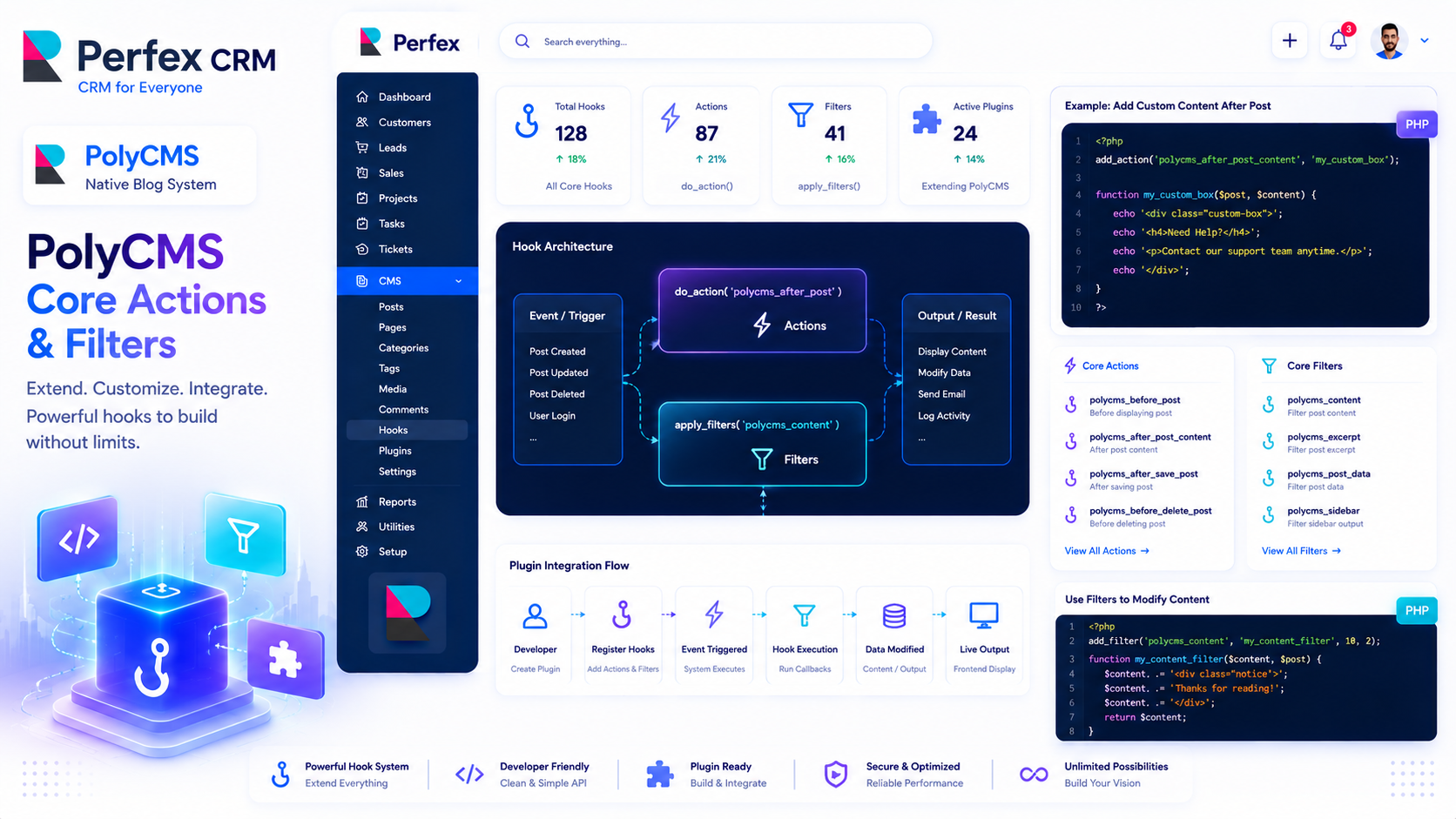
PolyCMS Developer Reference: Core Actions & Filters
A comprehensive cheat sheet of the most important Action and Filter hooks available in PolyCM...
Category
REST API & Integrations
PolyCMS REST API: Complete Developer Guide
A comprehensive guide to the PolyCMS REST API — authenticate, read, create, update, and delet...
API Explorer Plugin: Interactive REST API Sandbox
Discover the built-in API Explorer plugin — an interactive sandbox that lets developers test ...
Category
SEO & Optimization
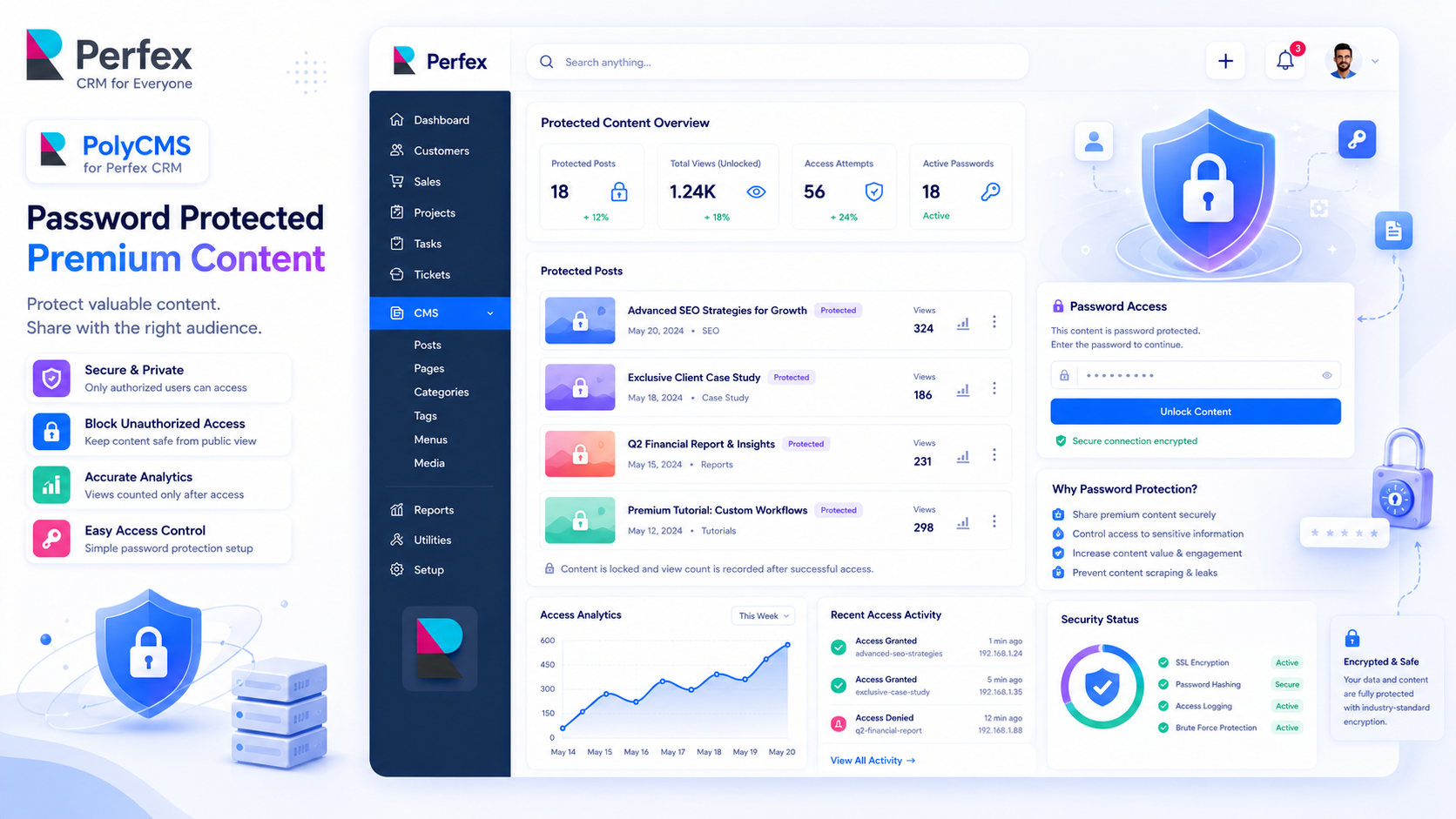
Restricted Access: Advanced SEO Tactics
This is a premium article demonstrating the PolyCMS Password Protection feature. Enter passwo...
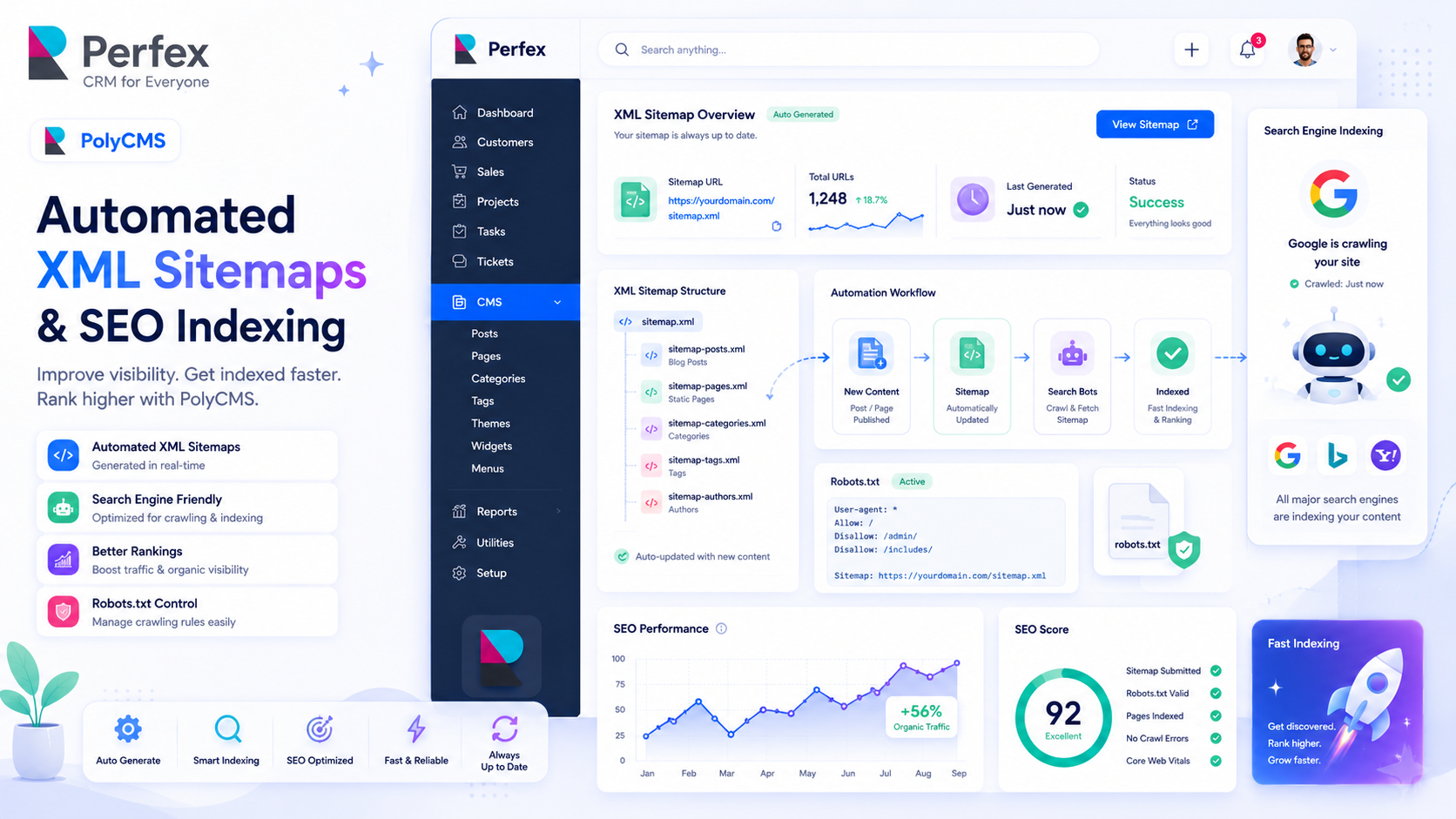
SEO Mastery: Automated XML Sitemaps in PolyCMS
Learn how PolyCMS automatically generates and pings your XML sitemap to Google, ensuring your...
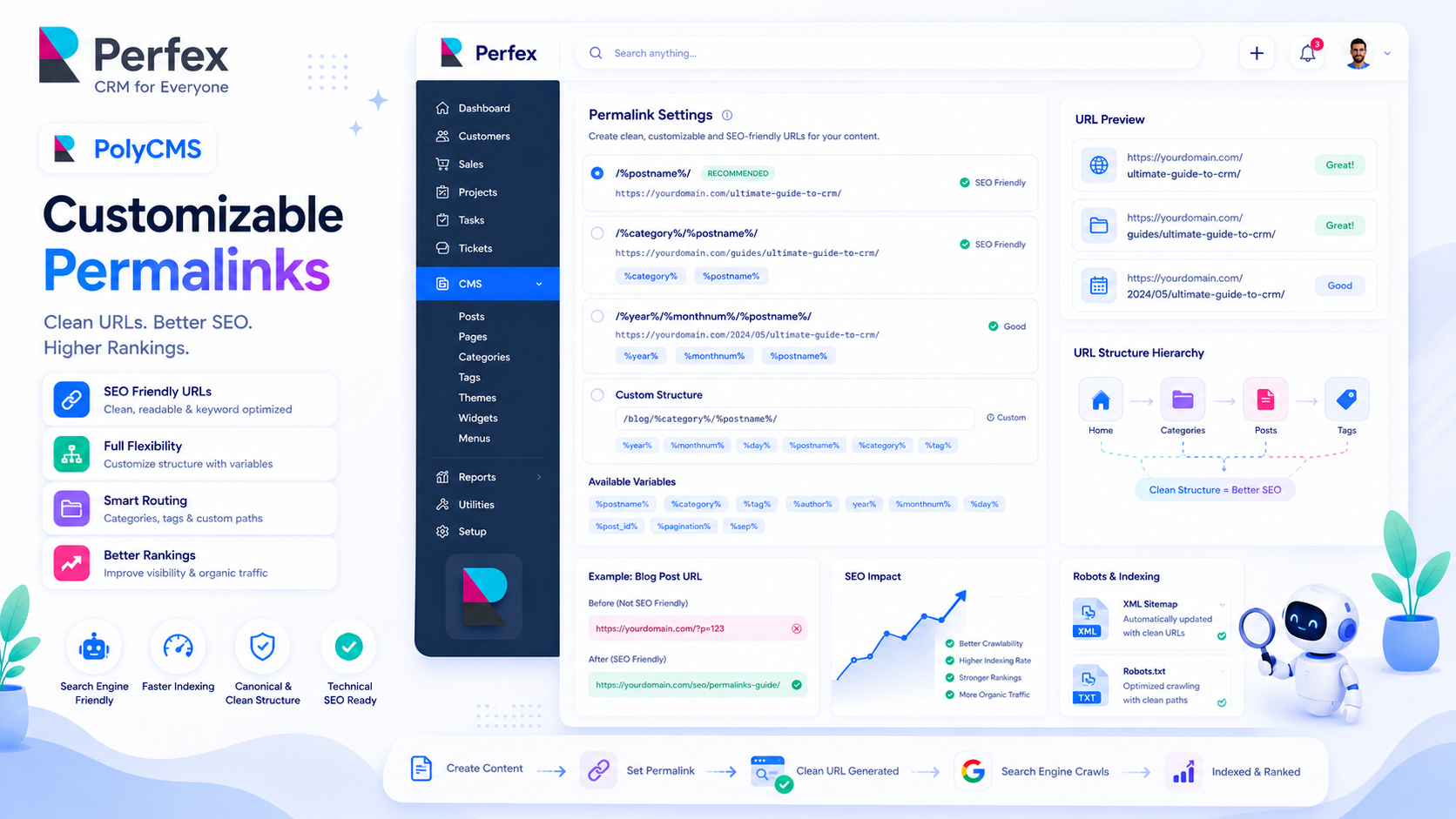
The Ultimate Guide to PolyCMS Permalinks
Learn how to optimize your URLs for SEO by configuring category bases, tag bases, and post pe...
Category
Strategy & Use Cases
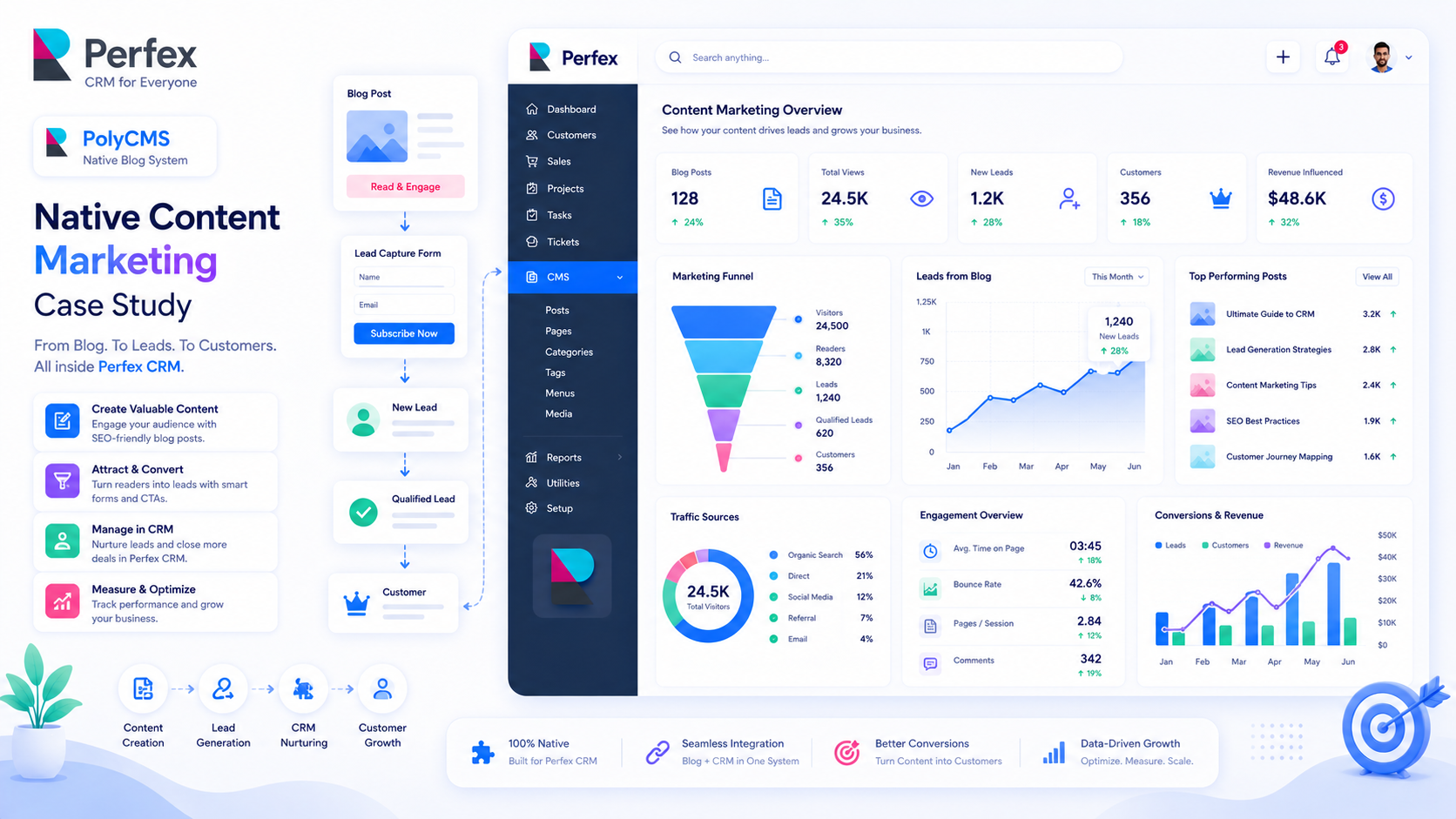
Case Study: Native Content Marketing Converts Better
How keeping your blog inside the CRM funnel increases lead generation and boosts ROI.
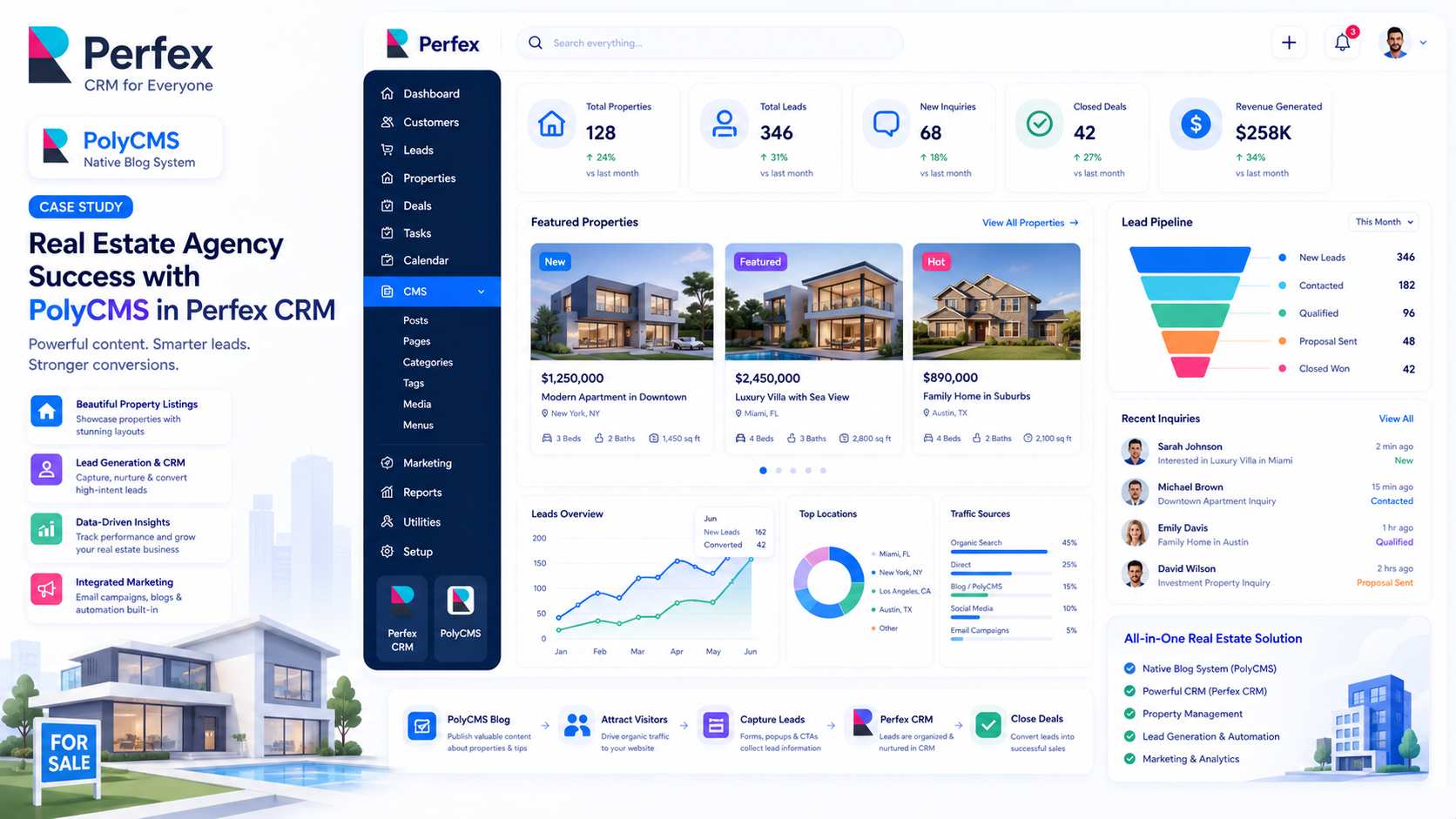
Showcase: Real Estate Agency Scaling with PolyCMS
See how a leading real estate agency replaced their separate WordPress site and unified their...
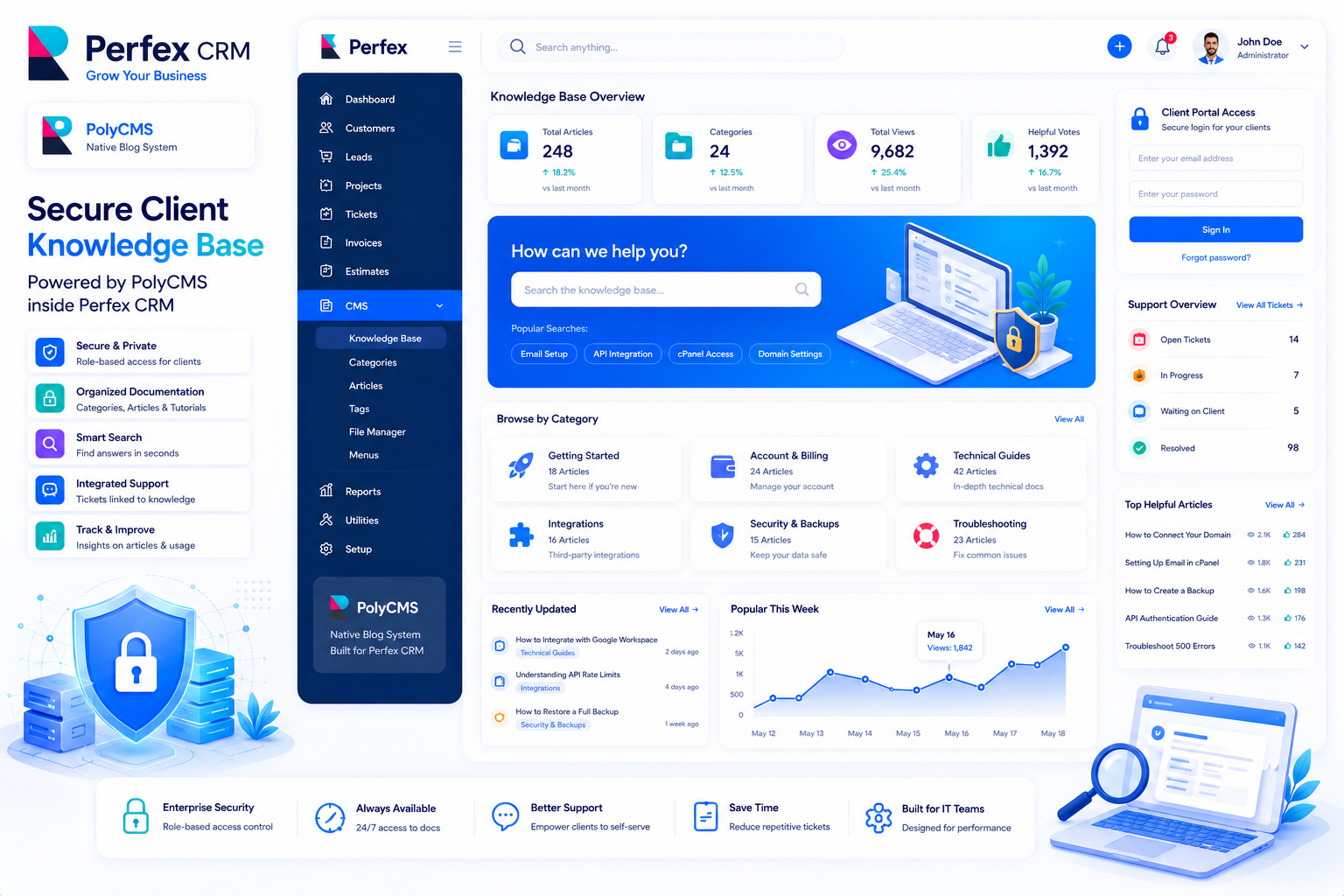
Showcase: IT Services Company Integrates Knowledge Base
Learn how an IT firm leveraged PolyCMS to build a secure, client-only knowledge base directly...
Category
Themes & Appearance
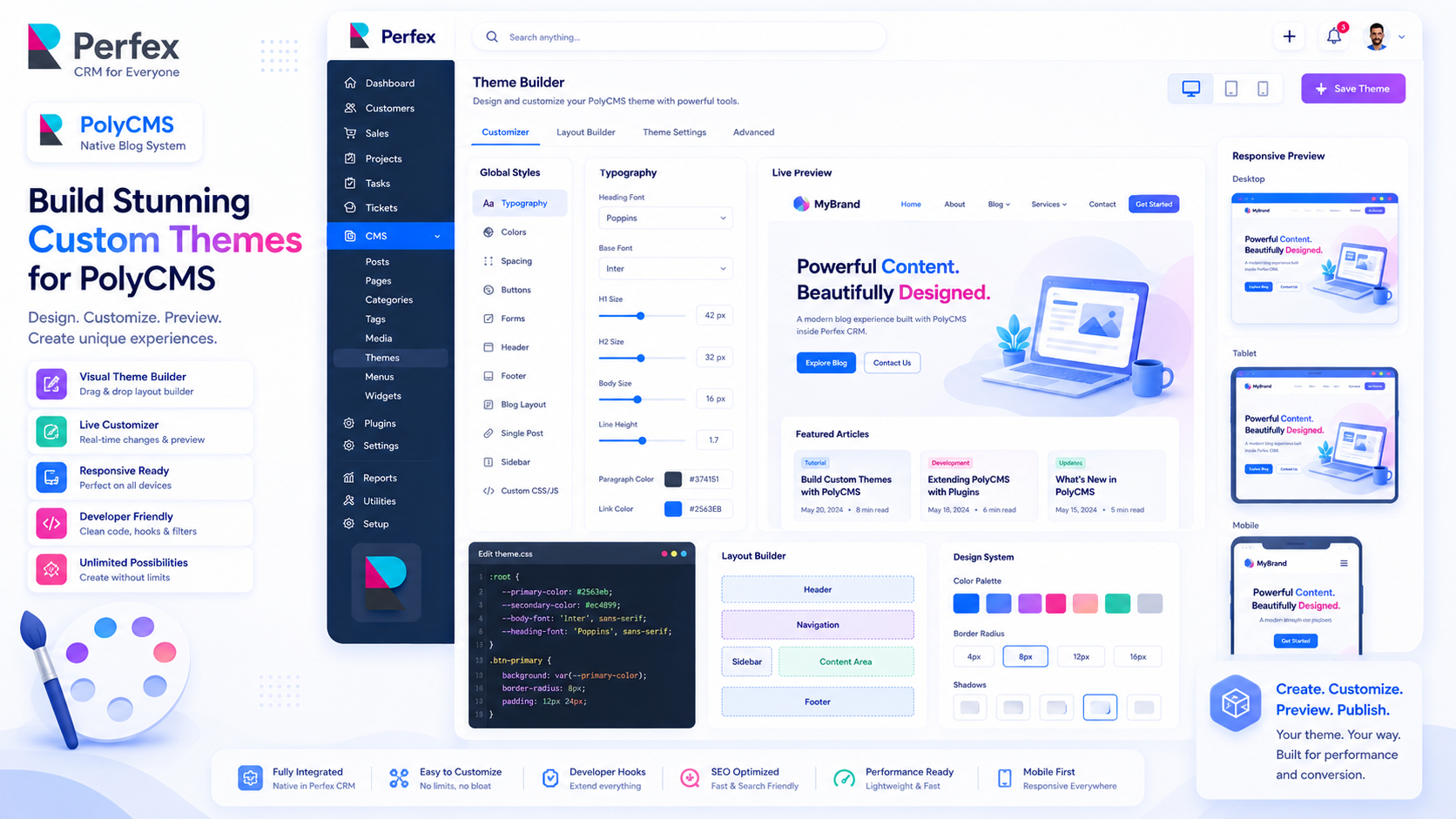
Theme Development: Building Your Own PolyCMS Theme
A comprehensive tutorial on designing and integrating custom frontend themes for PolyCMS.
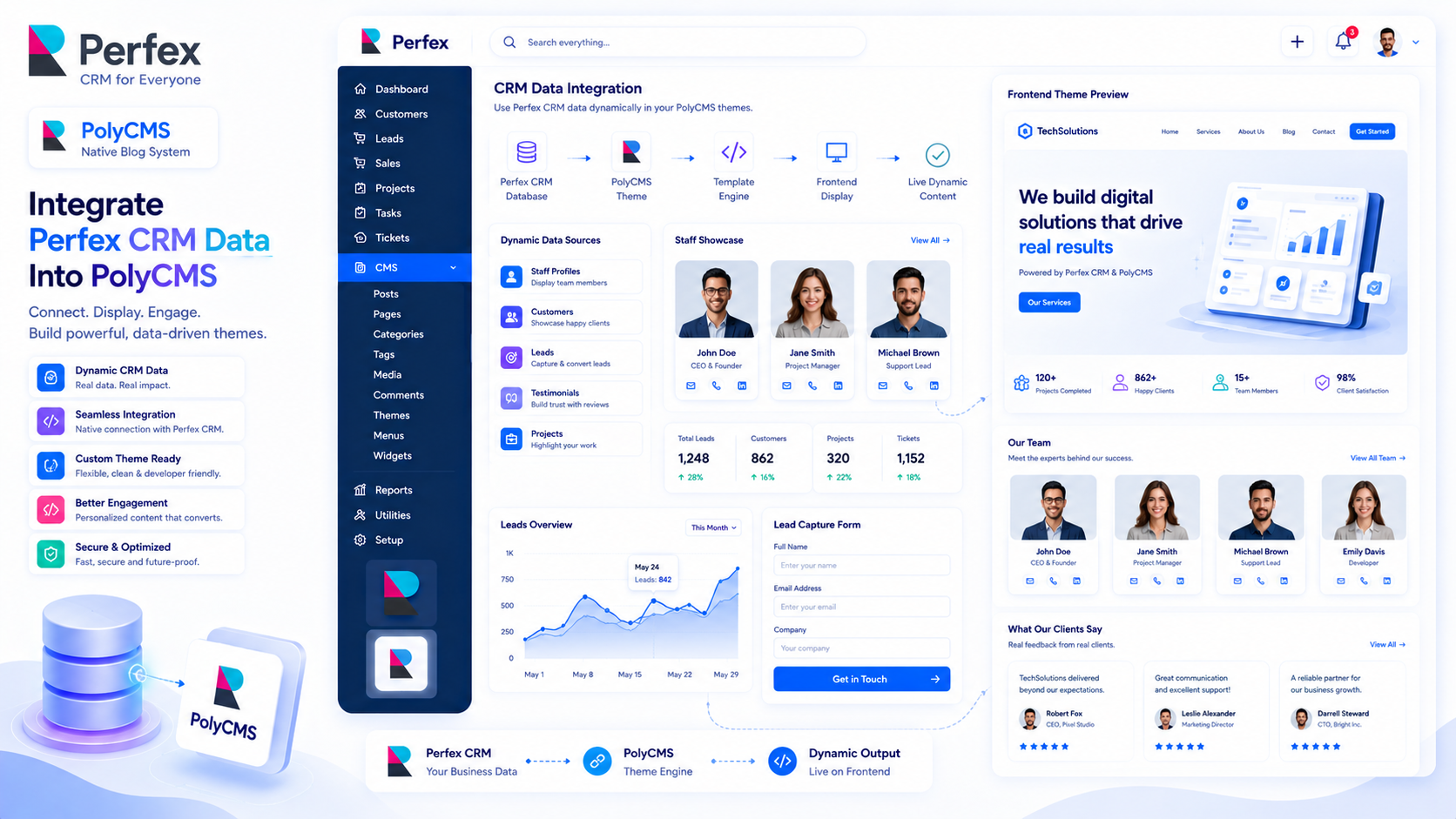
Advanced Theme Integration: Accessing Perfex CRM Data
Elevate your PolyCMS themes by pulling data directly from your Perfex CRM database, such as a...
Style Group Block
Style Group wraps nested content and applies shared text, link, background, border, and spacing styles.
Style Group Example: This paragraph and link colors are controlled by one wrapper block. Open PolyCMS docs hub.
YouTube Block with Tabs Container
Video Block
The Video block embeds a YouTube walkthrough with responsive aspect-ratio handling.
Tabs Container Block
Tabs organize multiple demos, docs snippets, or product walkthroughs in a compact interface.