Building Custom Blocks and Templates for MTBuilder
 CMS for Perfex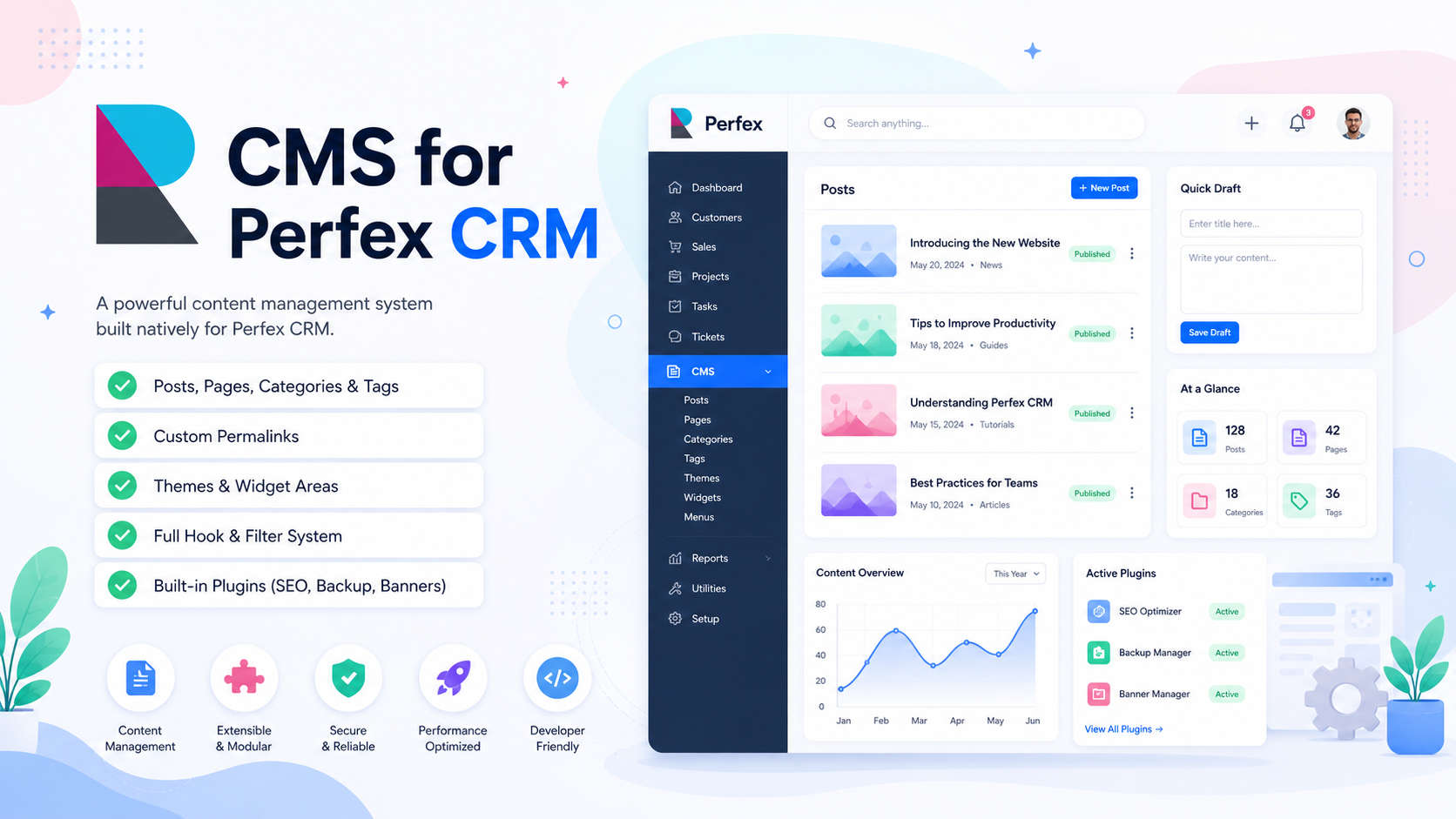
Extending the Visual Page Builder
MTBuilder runs on a high-performance Virtual DOM state engine that separates design-time dragging configurations from raw public-facing rendering. Third-party developers can extend the visual editor toolbar by registering custom visual elements or grid templates via the JS core API MTBuilder.registerBlock(blockType, config). For visual drag-and-drop component extensions, see the MTBuilder Visual Page Builder Guide.
Custom Block Registration Example
Create a custom Javascript file inside your plugin assets:
MTBuilder.registerBlock('crm_lead_form', {\n name: 'CRM Lead Form',\n icon: 'fa fa-user-plus',\n group: 'crm_integrations',\n acceptChildren: false,\n settingsSchema: [\n { key: 'formId', label: 'CRM Form', type: 'select', options: { '1': 'Standard Subscription Form' }, default: '1' }\n ],\n render: function(node, renderChild, isFrontend) {\n const el = document.createElement('div');\n const formId = node.settings.formId || '1';\n if (isFrontend) {\n el.innerHTML = '<iframe src="/admin/leads/form/' + formId + '" width="100%" height="450px" frameborder="0"></iframe>';\n } else {\n el.innerHTML = '<div class="tw-p-8 tw-text-center"><h4>Perfex CRM Lead Form</h4></div>';\n }\n return el;\n }\n});Developer Hooks & Filters
MTBuilder features a robust extensibility architecture integrated with the core PolyCMS Hooks API. Developers can utilize these hooks to intercept visual layouts, customize the editor, or append assets dynamically:
- PHP Filters:
polycms_post_content(transform visual layout HTML) andpolycms_the_content(parse custom blocks safely). - PHP Actions:
polycms_head(frontend style registration),polycms_plugin_activated(seeding templates database), andapp_admin_footer(enqueue active builder script). - JS Sidebar Filters:
sidebar_groups(custom toolbar categories) andsidebar_blocks(custom settings schemas).
For more plugin tutorials, read our Advanced Plugin Guide and the Core Hooks Cheat Sheet.
Official Live Documentation
- PolyCMS Documentation Hub
- Building Custom Blocks for MTBuilder
- MTBuilder Visual Page Builder
- Building a Custom Theme for PolyCMS
- Building a Custom Plugin for PolyCMS
- Internal User Guide: MTBuilder Visual Builder
* This is demo data for PolyCMS module for Perfex CRM to help customers explore features. If your business uses Perfex CRM and needs customizations or enhancements for integrated plugins/themes, you can leave feedback on Envato (CodeCanyon) while having active support time. Useful and suitable features will be received, integrated and updated. Explore full official docs: https://headrandom.com/oX3Im6fx