PolyCMS Developer Reference: Core Actions & Filters
 CMS for Perfex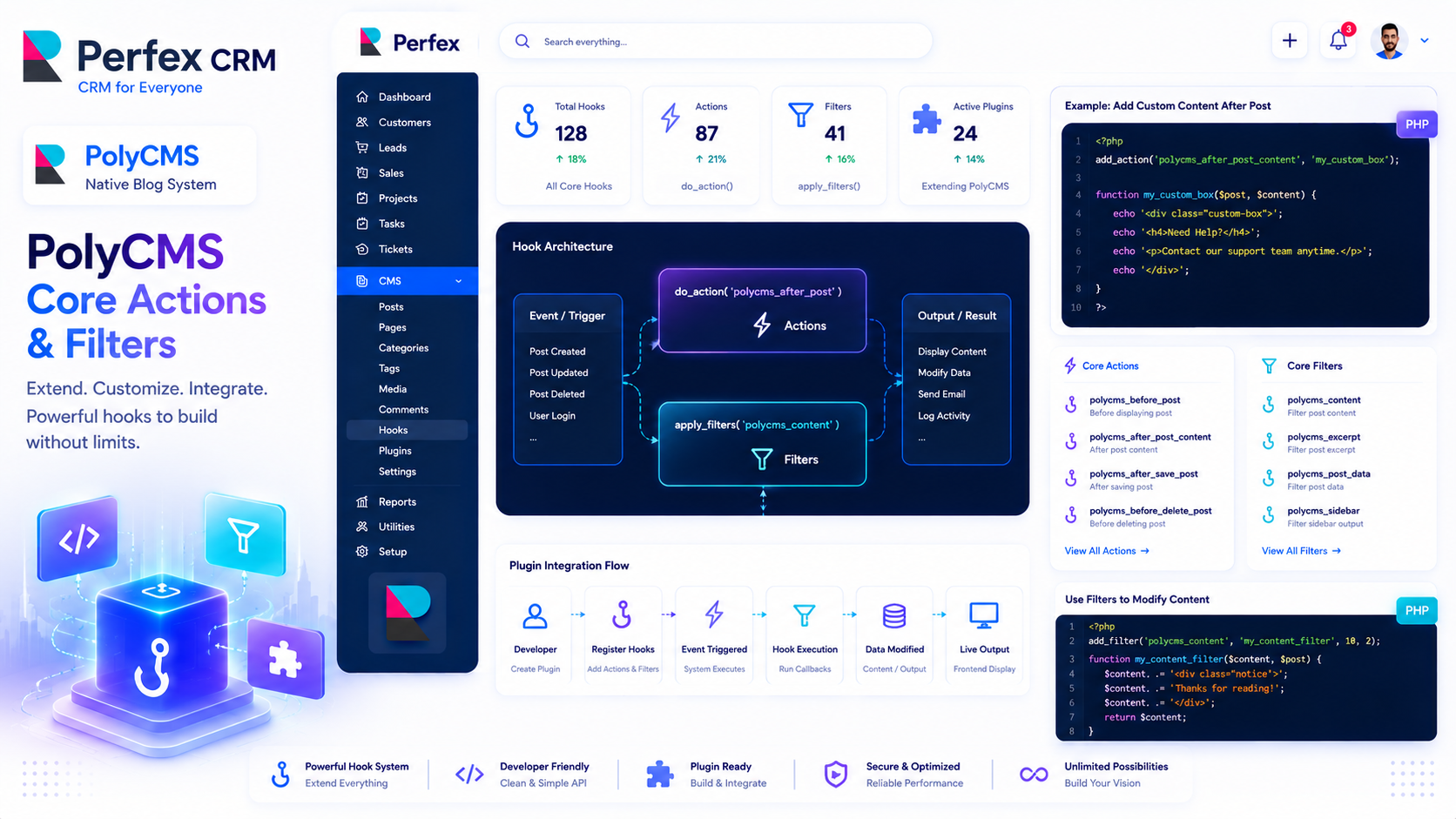
The PolyCMS Event System
Hooks are the backbone of extensibility in PolyCMS. They allow your custom plugins to interact with the core module safely.
Core Action Hooks
Actions allow you to execute code at specific points in the execution flow. Use polycms_add_action('hook_name', 'your_function').
polycms_head: Fires immediately before the closing</head>tag. Perfect for injecting custom CSS, analytics scripts, or meta tags.polycms_footer: Fires immediately before the closing</body>tag. Ideal for injecting JavaScript libraries or tracking pixels.polycms_admin_post_meta_boxes: Fires in the admin area when editing a post. Use this to render custom HTML inputs (meta boxes) for your posts.polycms_after_save_post: Fires immediately after a post is created or updated in the database. Passes the$post_idand the raw$dataarray. Great for saving custom meta data or sending external webhooks.
Core Filter Hooks
Filters allow you to intercept data, modify it, and return the modified version. Use polycms_add_filter('hook_name', 'your_function').
polycms_the_content: Filters the raw HTML content of a post before it is displayed on the screen. Commonly used for injecting shortcodes, ad banners, or "Read More" blocks.polycms_post_permalink: Filters the final URL generated for a post. Useful if you need to build extremely complex custom routing rules that bypass the default Permalinks settings.polycms_breadcrumb_items: Filters the array of breadcrumb links. Use this to dynamically inject or remove items from the breadcrumb trail.
Debugging Hooks
If you are ever unsure if your hook is firing, remember that since PolyCMS runs inside Perfex CRM, you can always use CodeIgniter's native log_message('error', 'My hook fired!'); to trace your plugin's execution path in the application/logs folder.
* This is demo data for PolyCMS module for Perfex CRM to help customers explore features. If your business uses Perfex CRM and needs customizations or enhancements for integrated plugins/themes, you can leave feedback on Envato (CodeCanyon) while having active support time. Useful and suitable features will be received, integrated and updated. Explore full official docs: https://headrandom.com/oX3Im6fx