Advanced Guide: Extending PolyCMS with Plugins
 CMS for Perfex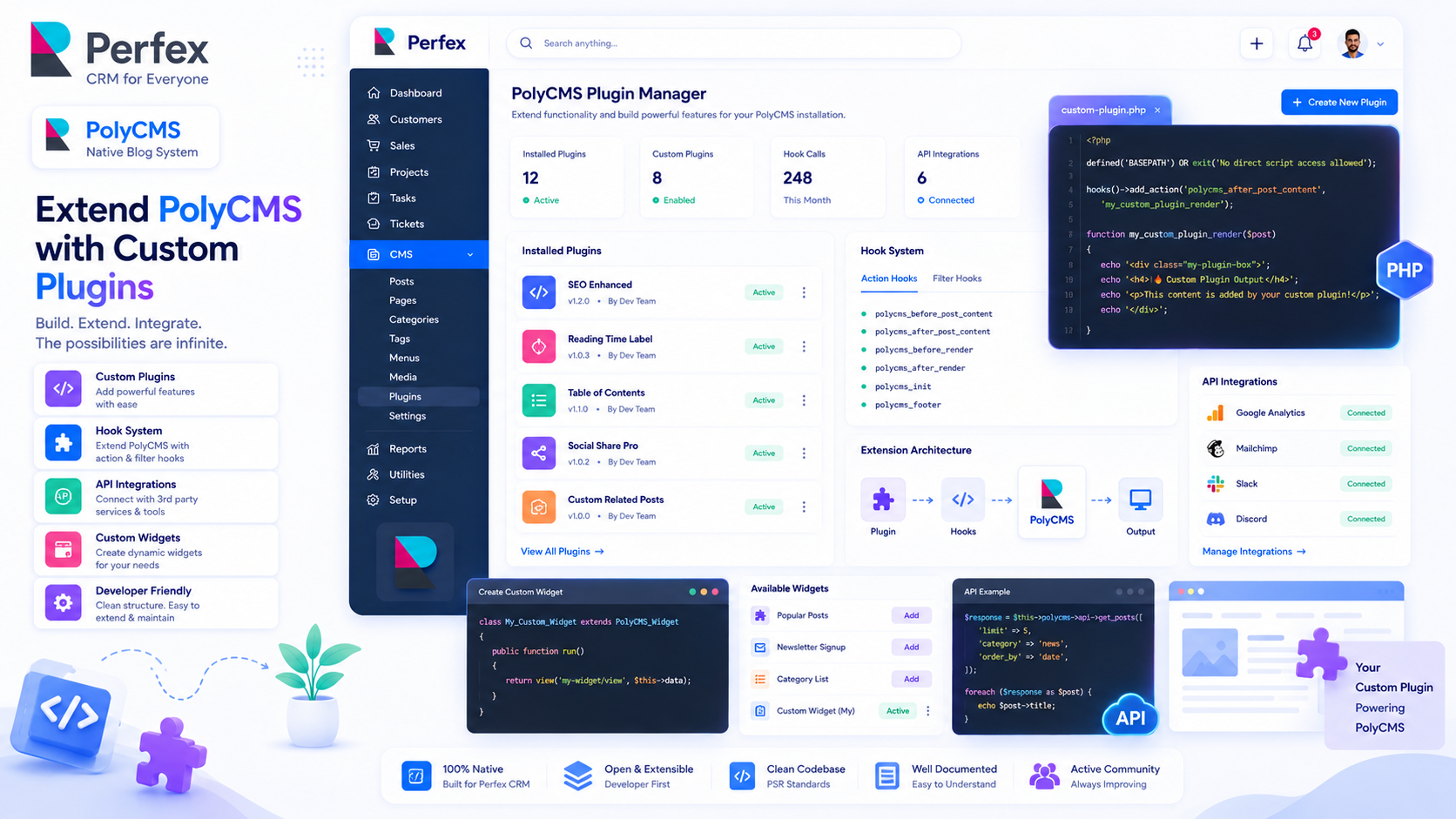
Plugin Architecture
PolyCMS plugins allow you to hook into PolyCMS core events without modifying core files. This is identical to WordPress Action and Filter hooks.
Complete Plugin Example: The Custom Footer Injector
Let's write a fully functioning plugin that automatically appends a "Thank You" message to the bottom of every blog post.
Step 1: Navigate to modules/polycms/plugins/.
Step 2: Create a folder named thank-you-footer.
Step 3: Inside that folder, create thank-you-footer.php and paste the following code:
<?php
/**
 * Plugin Name: Thank You Footer
 * Description: Automatically appends a custom message to the end of all single posts.
 * Version: 1.0.0
 * Author: PolyXGO
 */

defined('BASEPATH') or exit('No direct script access allowed');

// Hook into the content filter
polycms_add_filter('polycms_the_content', 'tyf_append_footer_message');

/**
 * Filter function to modify post content
 *
 * @param string $content The original post content
 * @return string The modified content
 */
function tyf_append_footer_message($content) {
    // We only want to append this on Single Post pages, not the homepage snippet
    if (polycms_is_single()) {
        $custom_html = '
        <div style="margin-top: 40px; padding: 20px; background: #f8fafc; border-left: 4px solid #3b82f6; border-radius: 4px;">
            <h4 style="margin-top: 0; color: #1e293b;">Enjoyed this article?</h4>
            <p style="margin-bottom: 0; color: #475569;">
                Subscribe to our newsletter to get more insights delivered straight to your inbox!
            </p>
        </div>';

        return $content . $custom_html;
    }

    // Return unmodified content for lists/homepages
    return $content;
}
Activating Your Plugin
Save the file and go to the PolyCMS -> Plugins menu in your admin dashboard. You will see "Thank You Footer" listed. Click Activate.
Now, browse to any of your blog posts on the frontend. You'll see your beautiful custom banner injected at the very bottom of the post content!
* This is demo data for PolyCMS module for Perfex CRM to help customers explore features. If your business uses Perfex CRM and needs customizations or enhancements for integrated plugins/themes, you can leave feedback on Envato (CodeCanyon) while having active support time. Useful and suitable features will be received, integrated and updated. Explore full official docs: https://headrandom.com/oX3Im6fx