MTBuilder: Visual Drag-and-Drop Page & Landing Page Builder
 CMS for Perfex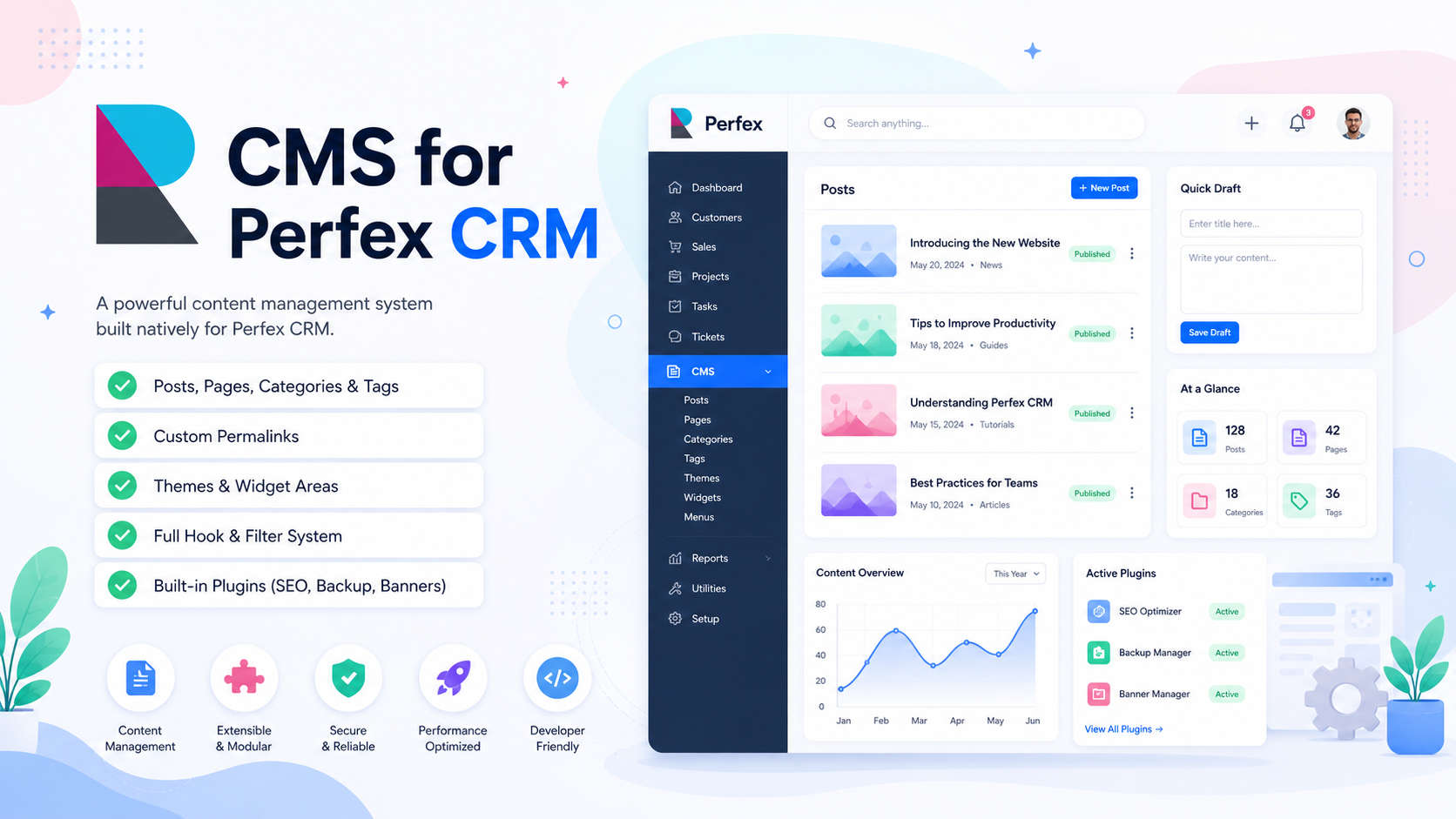
Visual Page Building in Perfex CRM
MTBuilder is a premier drag-and-drop page and landing page builder plugin bundled with PolyCMS. It completely eliminates the need for separate WordPress installations, allowing you to design beautiful, modern, high-converting landing pages, marketing funnels, documentation hubs, and portfolios directly inside your Perfex CRM environment.
19 Pre-registered Visual Blocks
MTBuilder includes a comprehensive set of 19 pre-registered toolbar blocks, categorized by functional layout structures and content elements:
- Layout Grid Elements: Root Canvas (
root), Section (section), Row (row), Column (column). - Basic Content Elements: Title (
title), Text (text), Image (image), Button (button), Icon (icon). - Interactive Components: Accordion (
accordion), Accordion Item (accordion_item), Tabs (tabs), Video (video). - Advanced Design Blocks: Divider (
divider), Style Group (style_group), HTML Editor (html_editor), Blog Posts (blog_posts), Blog Search Bar (blog_search), and Content Discovery Hub (blog_directory).
Search and Discovery Blocks
The Blog Search Bar block creates a customizable article search input that can redirect to the native search page or show inline results on the current page. The Content Discovery Hub block combines a centered search hero with category-grouped latest post feeds, making it ideal for help desks, wiki portals, documentation hubs, knowledge bases, and editorial landing pages.
Template Parts and Page Presets
MTBuilder features a highly reusable design system. Template Parts allow you to save visual segments (like FAQ grids or Hero banners) and drag them onto other pages. The builder also ships with premium pre-designed full-page templates, including SaaS, E-commerce, Elegant Blog, Restaurant Menu, Travel Destination, Corporate Workspace, and Content Discovery Hub layouts that you can apply with a single click. Learn more about visual grid hierarchies in our Menu Setup Guide or check the Building Custom Blocks Developer Guide to write code extensions. For an internal guide, you can read our Building Custom Blocks Guide.
Official Live Documentation
- PolyCMS Documentation Hub
- MTBuilder Visual Page Builder
- Building Custom Blocks for MTBuilder
- Building a Custom Theme for PolyCMS
- Building a Custom Plugin for PolyCMS
- Internal Developer Guide: Building Custom Blocks
* This is demo data for PolyCMS module for Perfex CRM to help customers explore features. If your business uses Perfex CRM and needs customizations or enhancements for integrated plugins/themes, you can leave feedback on Envato (CodeCanyon) while having active support time. Useful and suitable features will be received, integrated and updated. Explore full official docs: https://headrandom.com/oX3Im6fx