Protecting Your Premium Content with Passwords
 CMS for Perfex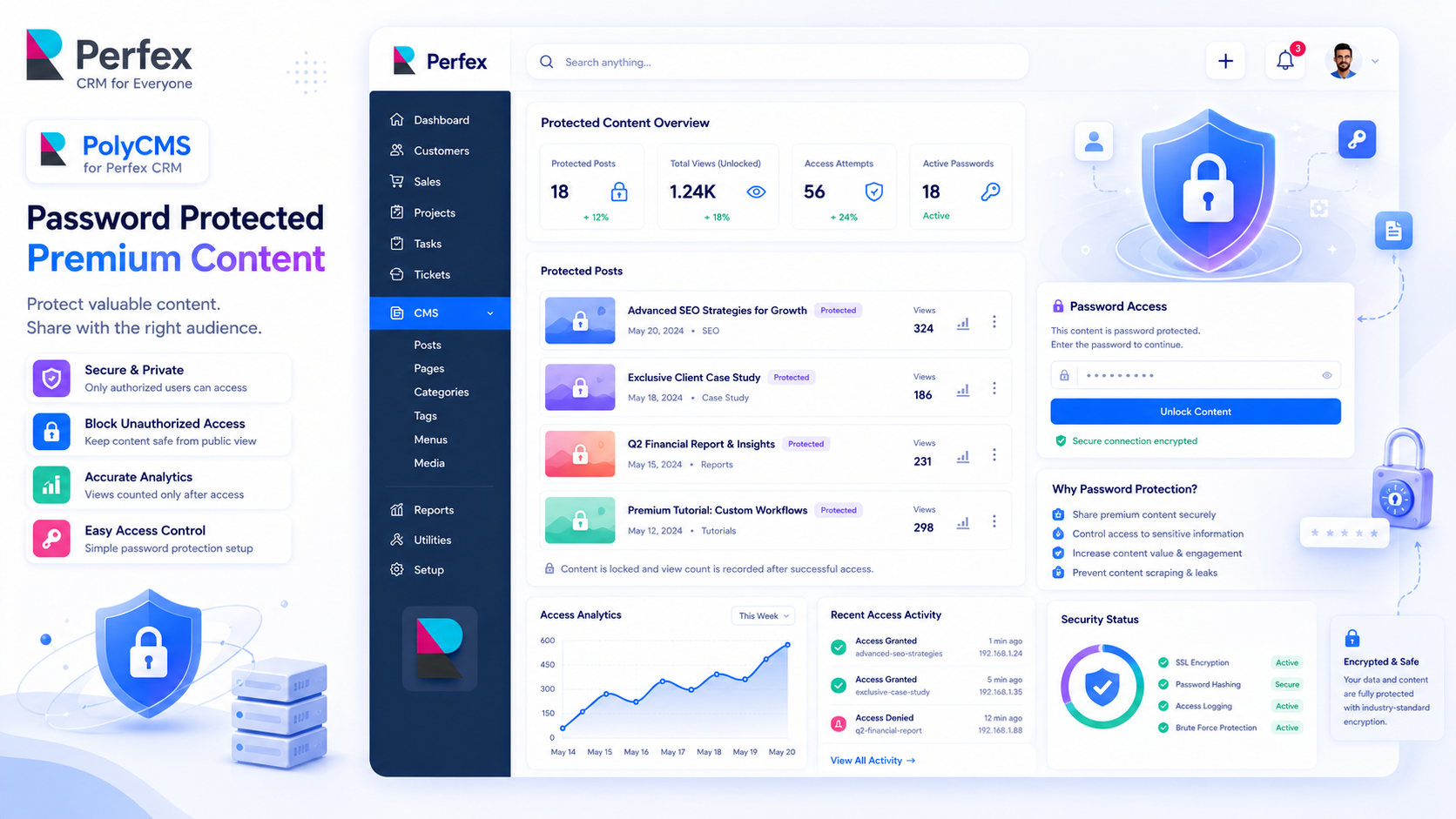
Gating Your Content
Sometimes you want to share an article exclusively with VIP clients, staff, or newsletter subscribers. PolyCMS allows you to password-protect any post with a single click.
How to Enable Password Protection
While editing a post, look for the Visibility panel on the right sidebar. Change the status from Public to Password Protected and enter a secure password.
Frontend Experience
When a visitor navigates to the post, the content is completely hidden on the server side. They will see a clean, stylized password prompt. Once they enter the correct password, a secure session is established and the content is instantly unlocked.
Security Note: View tracking analytics are intelligently paused until the user successfully unlocks the post, preventing skewed metrics!
* This is demo data for PolyCMS module for Perfex CRM to help customers explore features. If your business uses Perfex CRM and needs customizations or enhancements for integrated plugins/themes, you can leave feedback on Envato (CodeCanyon) while having active support time. Useful and suitable features will be received, integrated and updated. Explore full official docs: https://headrandom.com/oX3Im6fx