Theme Development: Building Your Own PolyCMS Theme
 CMS for Perfex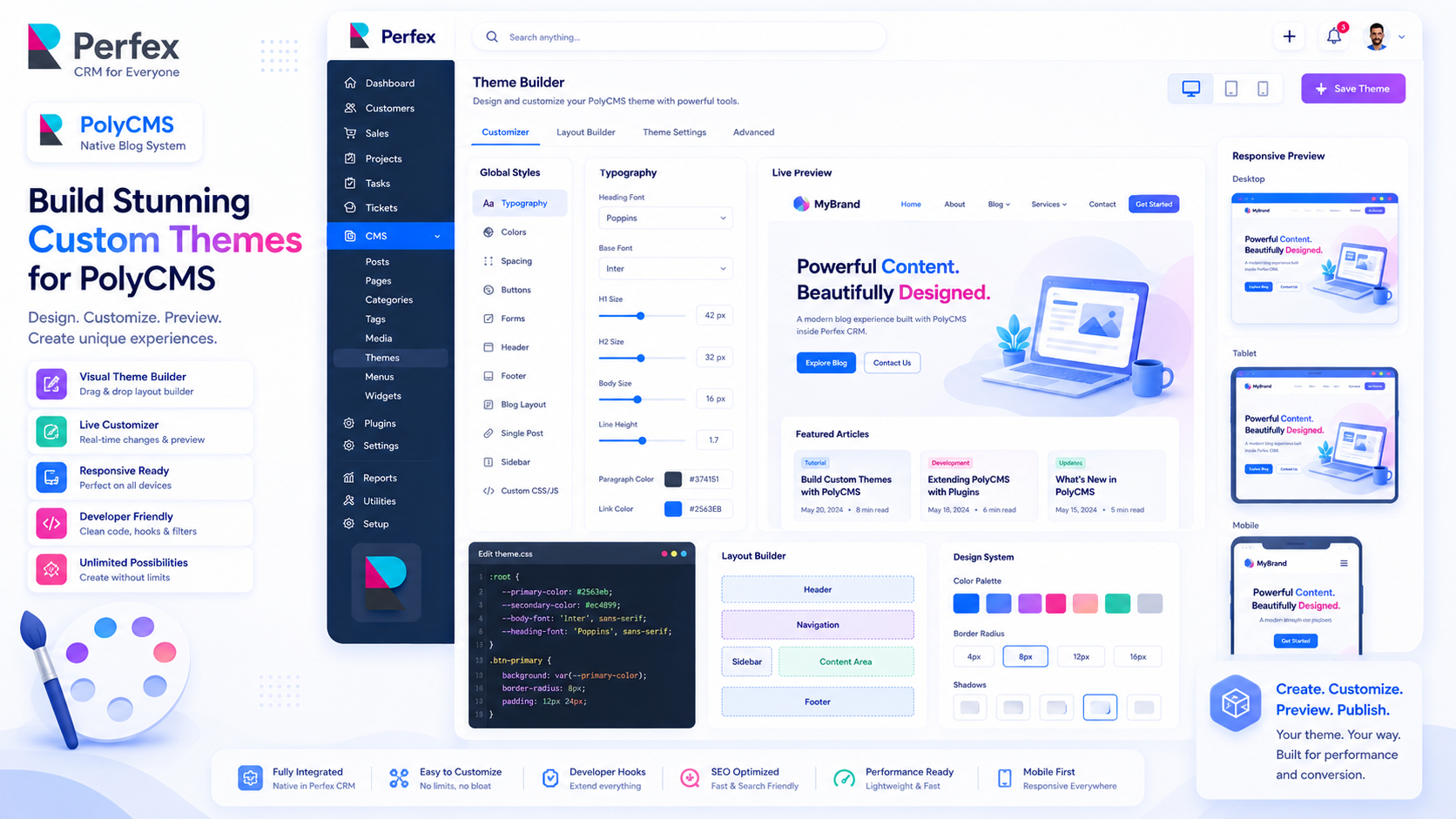
The PolyCMS Theme Engine
PolyCMS separates content from presentation. Themes reside in the modules/polycms/themes/ directory. Creating a custom theme ensures your blog perfectly matches your brand identity.
Step 1: Theme Directory & Metadata
Create a new folder: modules/polycms/themes/my-theme. Inside, create a theme.json file so the system recognizes it:
{
    "name": "My Custom Theme",
    "slug": "my-theme",
    "description": "A minimal, fast-loading PolyCMS theme.",
    "version": "1.0.0",
    "author": "Your Company",
    "author_uri": "https://yourcompany.com"
}
Step 2: The Homepage (homepage.php)
This file renders your blog's main index. Here is a complete, minimal example:
<?php defined('BASEPATH') or exit('No direct script access allowed'); ?>
<!DOCTYPE html>
<html>
<head>
    <title><?php echo get_option('companyname'); ?> Blog</title>
    <?php polycms_head(); ?>
</head>
<body class="<?php echo polycms_body_class(); ?>">
    <header>
        <h1>Welcome to Our Blog</h1>
    </header>

    <main>
        <?php if (!empty($posts)): ?>
            <?php foreach ($posts as $post): ?>
                <article>
                    <h2><a href="<?php echo polycms_get_post_permalink($post); ?>"><?php echo html_escape($post->title); ?></a></h2>
                    <div class="excerpt"><?php echo $post->description; ?></div>
                </article>
            </?php endforeach; ?>
        <?php else: ?>
            <p>No posts found.</p>
        <?php endif; ?>
    </main>

    <?php polycms_footer(); ?>
</body>
</html>
Step 3: The Single Post Layout (single.php)
When a user clicks on an article, they are routed to single.php:
<?php defined('BASEPATH') or exit('No direct script access allowed'); ?>
<!DOCTYPE html>
<html>
<head>
    <title><?php echo html_escape($post->title); ?></title>
    <?php polycms_head(); ?>
</head>
<body>
    <article class="single-post">
        <h1><?php echo html_escape($post->title); ?></h1>
        <div class="meta">
            Published on <?php echo polycms_format_date($post->published_at); ?>
        </div>

        <div class="content">
            <?php echo $post->content; ?>
        </div>
    </article>

    <?php polycms_footer(); ?>
</body>
</html>
Go to PolyCMS -> Themes and you will see "My Custom Theme" ready to be activated!
* This is demo data for PolyCMS module for Perfex CRM to help customers explore features. If your business uses Perfex CRM and needs customizations or enhancements for integrated plugins/themes, you can leave feedback on Envato (CodeCanyon) while having active support time. Useful and suitable features will be received, integrated and updated. Explore full official docs: https://headrandom.com/oX3Im6fx