How to Set Up and Arrange Menus in PolyCMS
 CMS for Perfex
 2026-05-12
9 views
Building Your Navigation
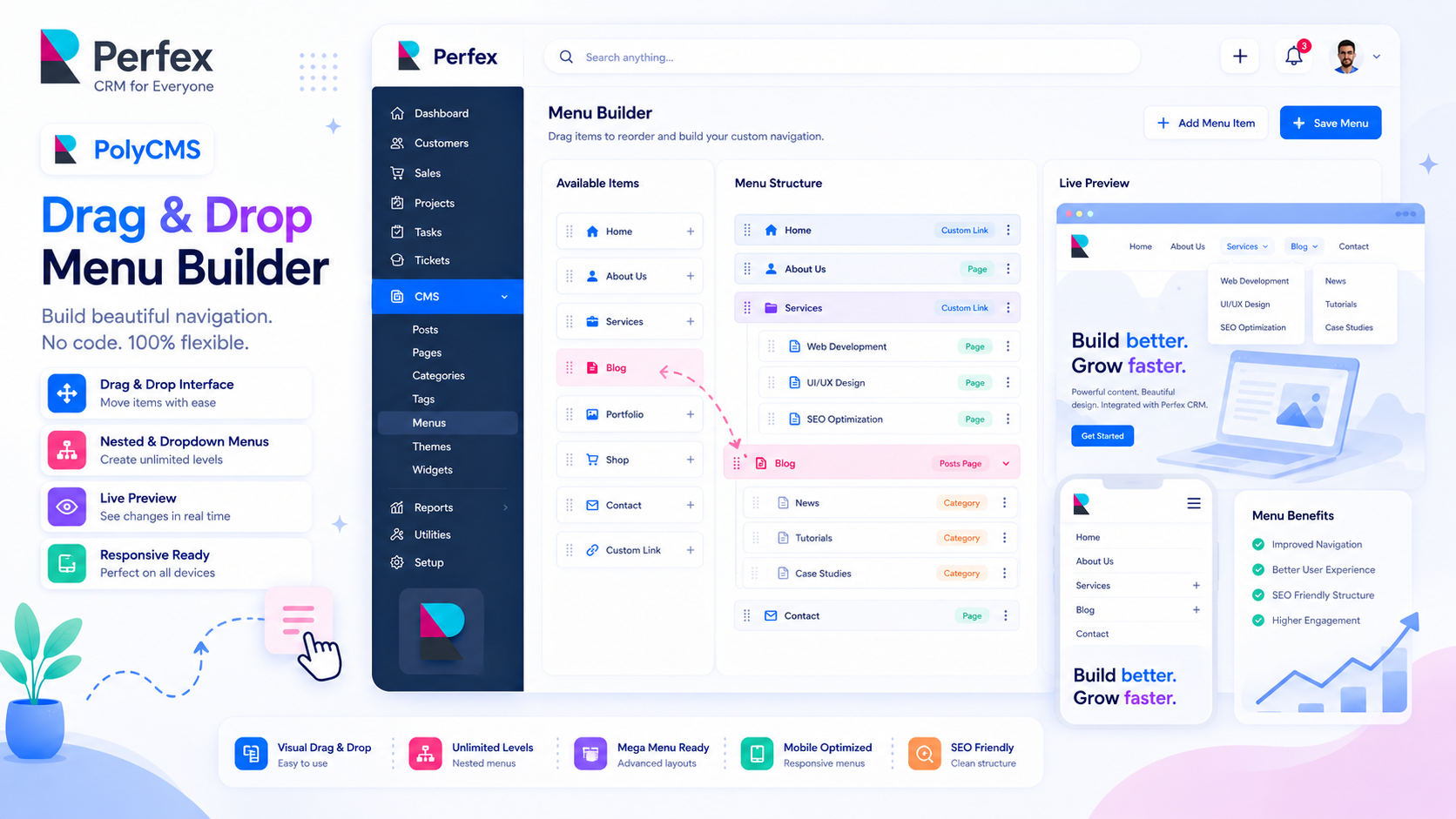
A well-structured menu is essential for keeping visitors on your site. PolyCMS features a powerful, intuitive drag-and-drop Menu Builder similar to WordPress.
Step-by-Step Guide:
- Navigate to PolyCMS -> Menus in the admin dashboard.
- Click Create New Menu and name it (e.g., "Main Navigation").
- Select the pages, posts, or categories from the left panel and click Add to Menu.
- Drag and Drop: Click and hold an item to move it up or down. To create a dropdown submenu, drag an item slightly to the right underneath a parent item.
- Hit Save Menu.
Did you know? The "Generate Data" tool automatically builds a sample Main Menu for you containing About Us, FAQs, and Contact pages!
* This is demo data for PolyCMS module for Perfex CRM to help customers explore features. If your business uses Perfex CRM and needs customizations or enhancements for integrated plugins/themes, you can leave feedback on Envato (CodeCanyon) while having active support time. Useful and suitable features will be received, integrated and updated. Explore full official docs: https://headrandom.com/oX3Im6fx